Less paperwork. More sea. Six habits that take the admin out of running a yacht, ten things an engineer can hand straight to Molly, the AI inside ZipYacht Management, and what it all costs.
Every boat runs on paperwork. Binders in the wheelhouse, a maintenance spreadsheet that only one person understands, sticky notes on the engine-room door, and quotes buried in somebody’s inbox. None of it is hard. It just eats hours every week, and the information is never where you need it when something breaks.


Yacht management gets easy when three things are true: everything about the boat lives in one place, nobody has to type it in by hand, and anyone aboard can get an answer in seconds. Here’s how to get there.
1. Put every machine on file: just snap the tag
The fastest way to make a yacht manageable is to know exactly what’s aboard. In ZipYacht Management you don’t copy serial numbers off a dusty plate with a flashlight. Walk the engine room, the lazarette and the pump rooms, and take a photo of the tag on each machine. Molly reads the nameplate and files it in Machinery: make, model, serial number, the service schedule and the manual.

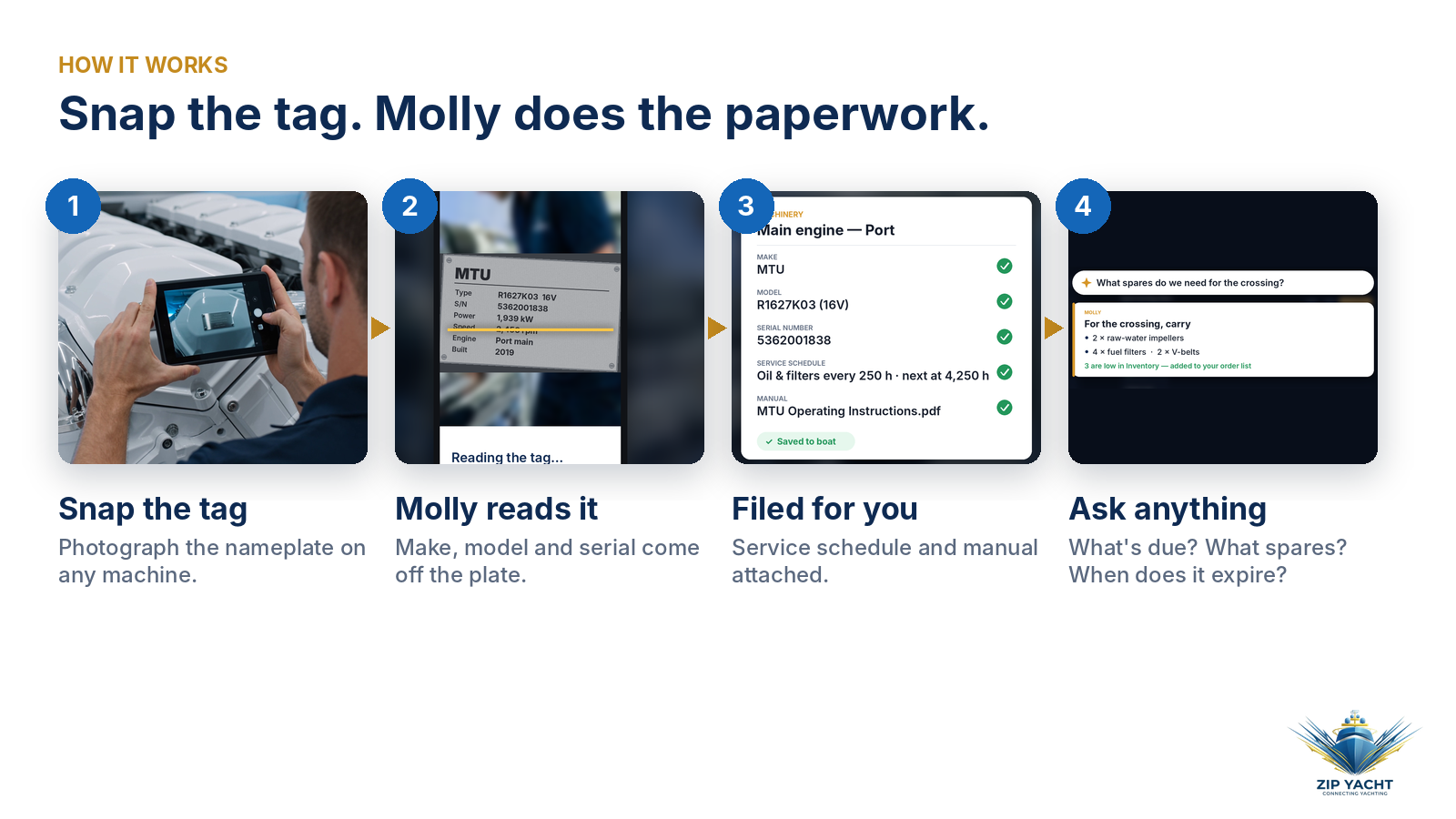
Do one space a day and the whole boat is on file within a week. Every main engine, genset, watermaker and pump then has its hours and history in one place.

2. Let the maintenance schedule build itself
Once the machinery is on file, maintenance stops being a memory test. ZipYacht Management schedules by running hours and by the calendar, so the 250-hour service and the annual inspection both show up when they’re due, not after. The engine room sees its own list; the captain sees what’s overdue at a glance.
3. Ask instead of digging
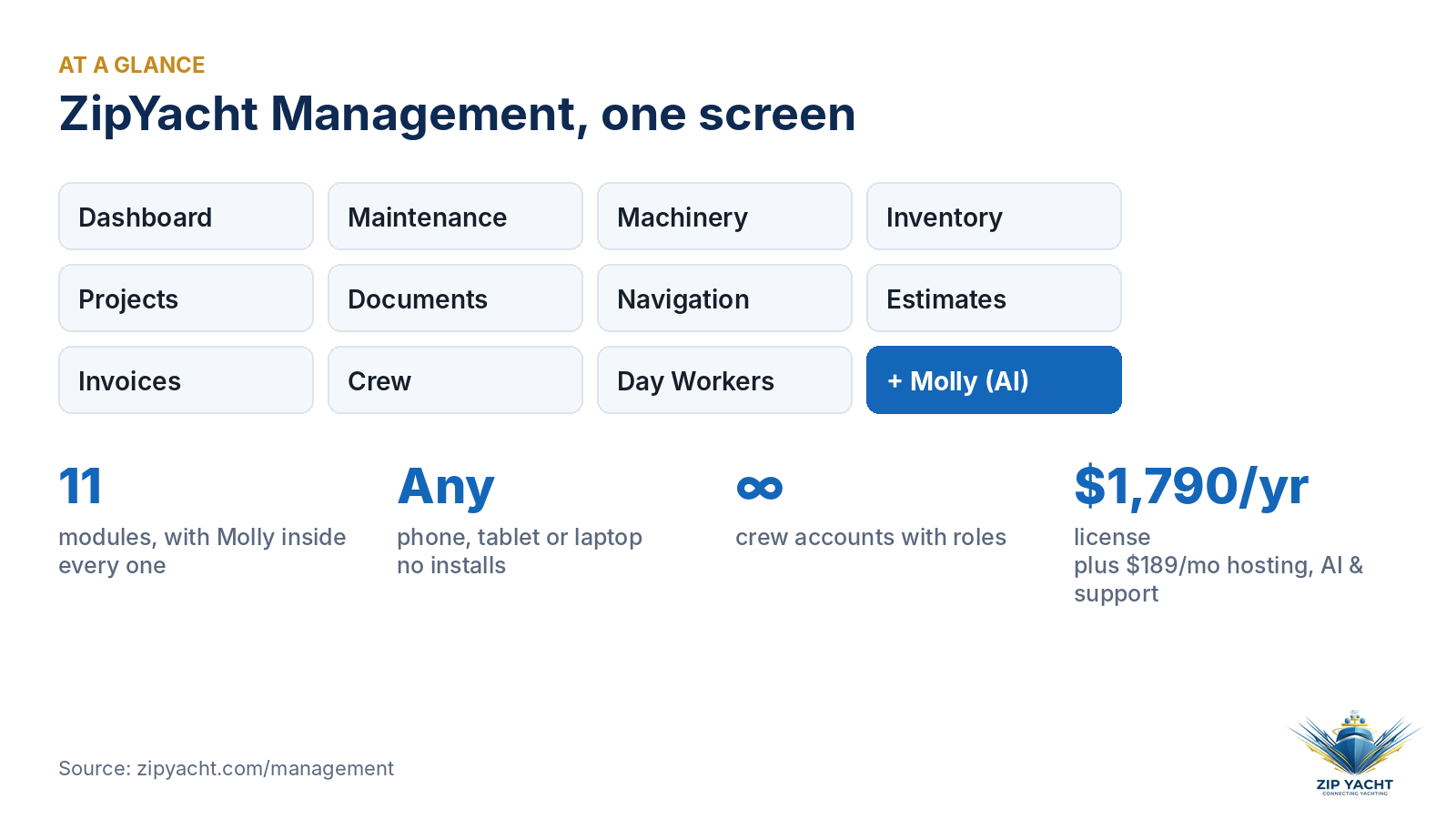
This is where Molly earns her keep. She isn’t a separate app; she’s built into all 11 modules, so you can ask her anything about your boat in plain English:
- “What’s due this week?” She lists the jobs coming up from the boat’s own hours and records.
- “What spares do we need for the crossing?” Spares guidance is tuned to your exact machinery and serial numbers.
- “When does the liferaft certificate run out?” Documents carry expiry alerts, so you hear about it before the surveyor asks.
No binder, no spreadsheet tab, no phone call to the last engineer.

4. Give every department its own list
Easy management doesn’t mean one giant to-do list. It means each department sees what’s theirs. Engineering gets its maintenance schedule. Interior knows what’s running low, because inventory tracks parts, spares and consumables so they stay counted and findable. Deck has its weekly duties. Crew records keep CVs, certificates and start dates in one file, and day workers’ hours and rates are logged so everyone gets paid right.


5. Line up yard quotes side by side
Refit and repair quotes are where owners lose the most time and money. In Estimates, vendor quotes are stacked side by side, line by line, so you compare the same scope against the same scope instead of three PDFs with three different formats. Approved work flows into Projects, where it’s prioritized, tracked and exportable.
6. Run the whole boat from one screen
The dashboard is built so you can walk aboard and know the boat’s status in five seconds: what’s overdue, what’s due in the next two weeks, active projects, parts below minimum and unpaid invoices. It runs in the browser on iPad, phone and laptop, with nothing to install and unlimited crew accounts with roles. Your data stays yours; you can export it whenever you like.

10 things an engineer can snap, ask or say to Molly
“I use it all day as an engineer. It’s taken over the paperwork.”
Brian Firth, ZipYacht
The nameplate trick is just the start. If you can photograph it, ask about it or say it out loud, Molly can usually turn it into something useful. Here are ten ways to use her on a normal day aboard.
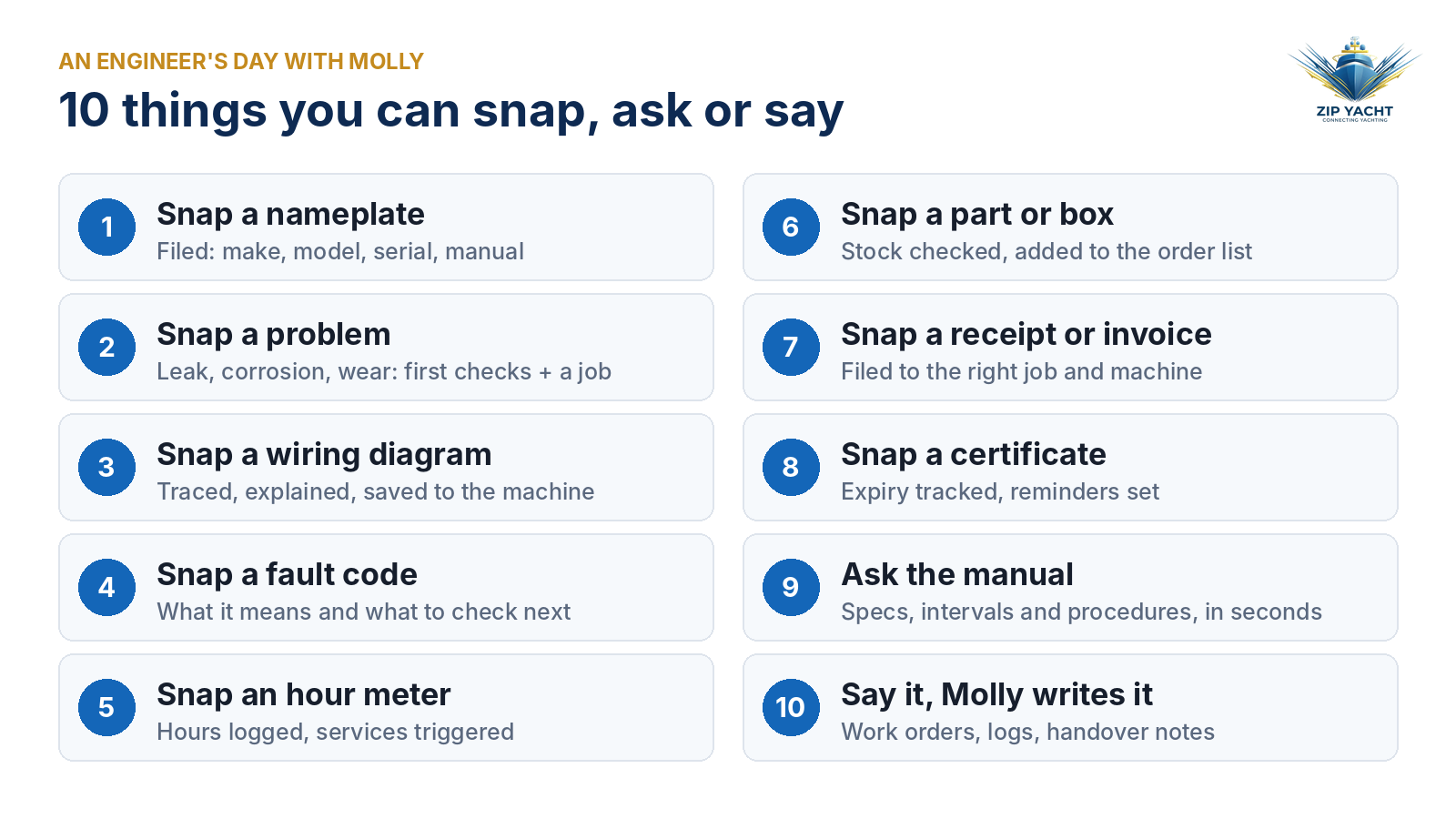
- Snap a nameplate.
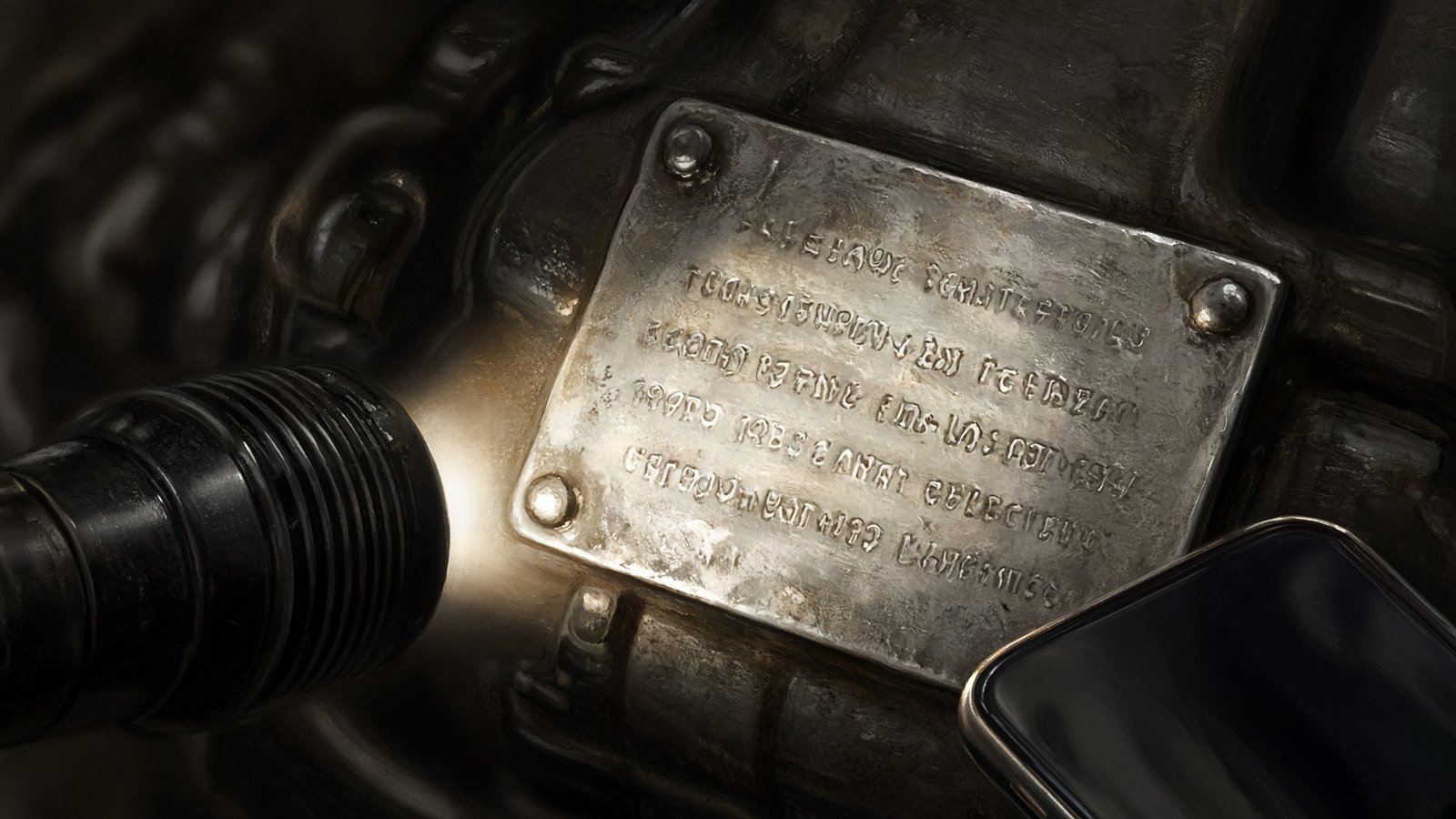 Make, model, serial number, service schedule and manual, filed to Machinery without typing a word.
 - Snap a problem.
 A weeping seal, a corroded fitting, a chafed hose. Molly describes what she sees, suggests what to check first, and logs it as a job with the photo attached so it doesn’t get forgotten.
 - Snap a wiring diagram.
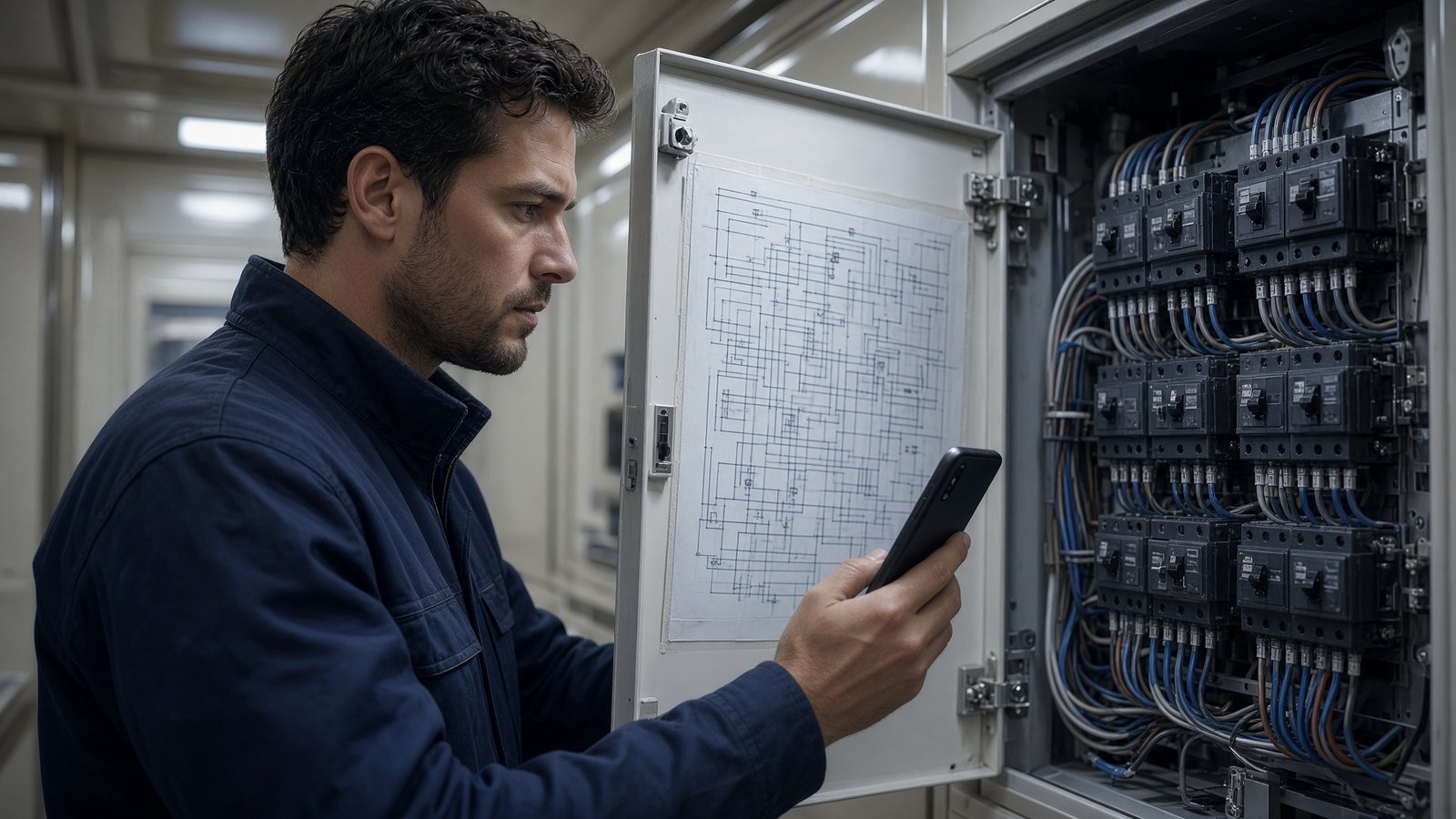 Photograph the schematic inside the panel door. Molly helps you trace the circuit, explains what feeds what, and saves the drawing to that machine so the next engineer can find it.
 - Snap a fault code or alarm screen.
 She tells you what the code means according to the manual and what to look at next, instead of you scrolling a PDF on your phone in a hot engine room.
 - Snap the hour meters on your rounds.
 Running hours get logged, and any service that comes due is added to the maintenance list automatically.
 - Snap a part, a box or a part number.
 Molly checks it against Inventory, tells you how many you have and where, and adds it to the order list when you’re running low.
 - Snap a receipt or invoice.
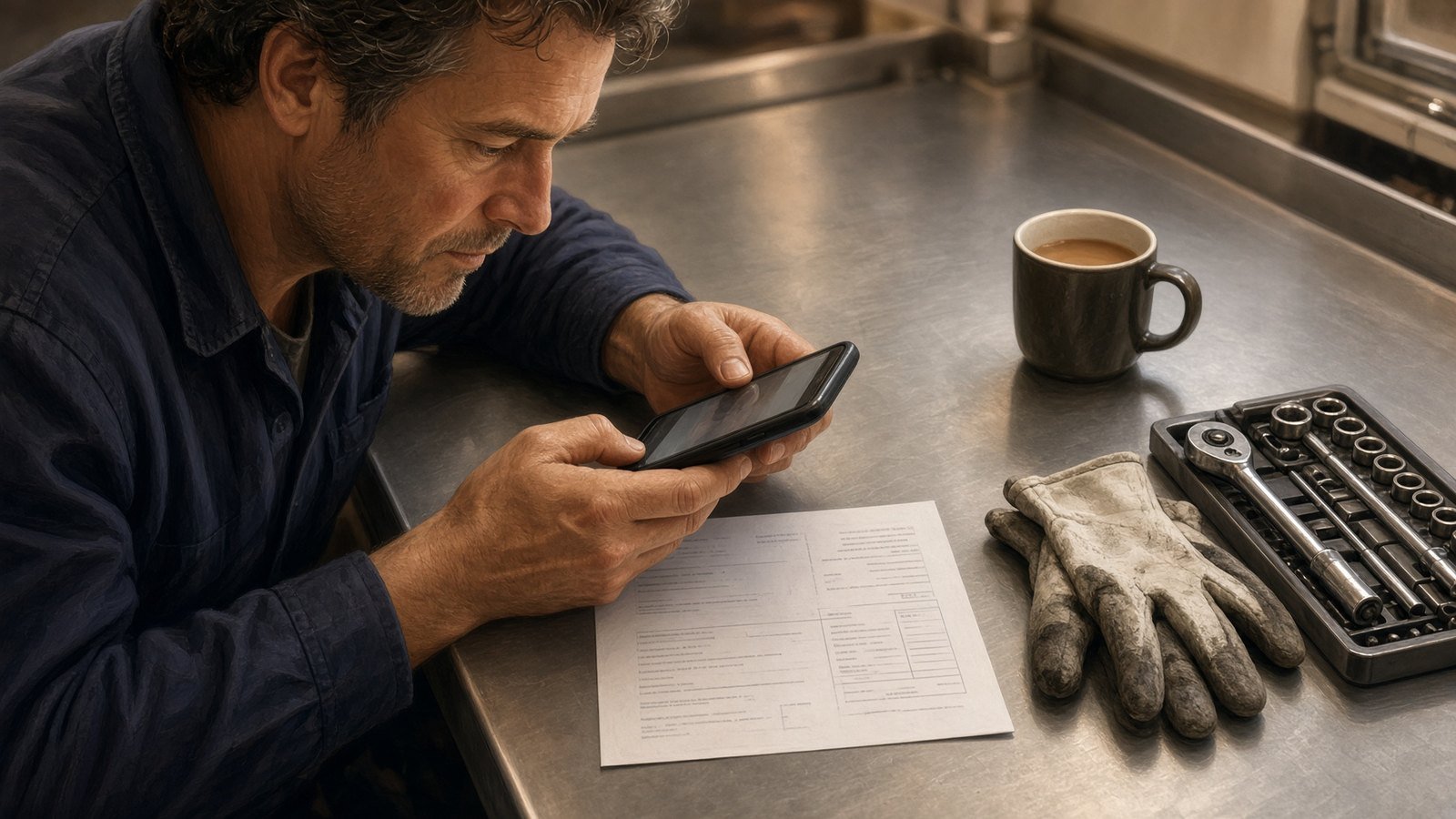 It lands in Invoices against the right job and machine, so month-end isn’t a shoebox of paper.
 - Snap a certificate or survey.
 Expiry dates go into Documents with reminders, so the liferaft service, flag-state paperwork and crew certificates don’t sneak up on you.
 - Ask the manual.
 Torque specs, oil capacities, service intervals and procedures, answered from the manuals on file for your actual equipment.
 - Say it, and Molly writes it up.
 Talk through what you did and she turns it into a work order, an engine-room log entry, handover notes for the next engineer or a tidy update for the owner.

Molly is a second pair of eyes and a very fast filing clerk, not a replacement for the engineer. For electrical work, safety systems and anything critical, follow the manufacturer’s procedures and the judgment of a qualified engineer.
What it costs
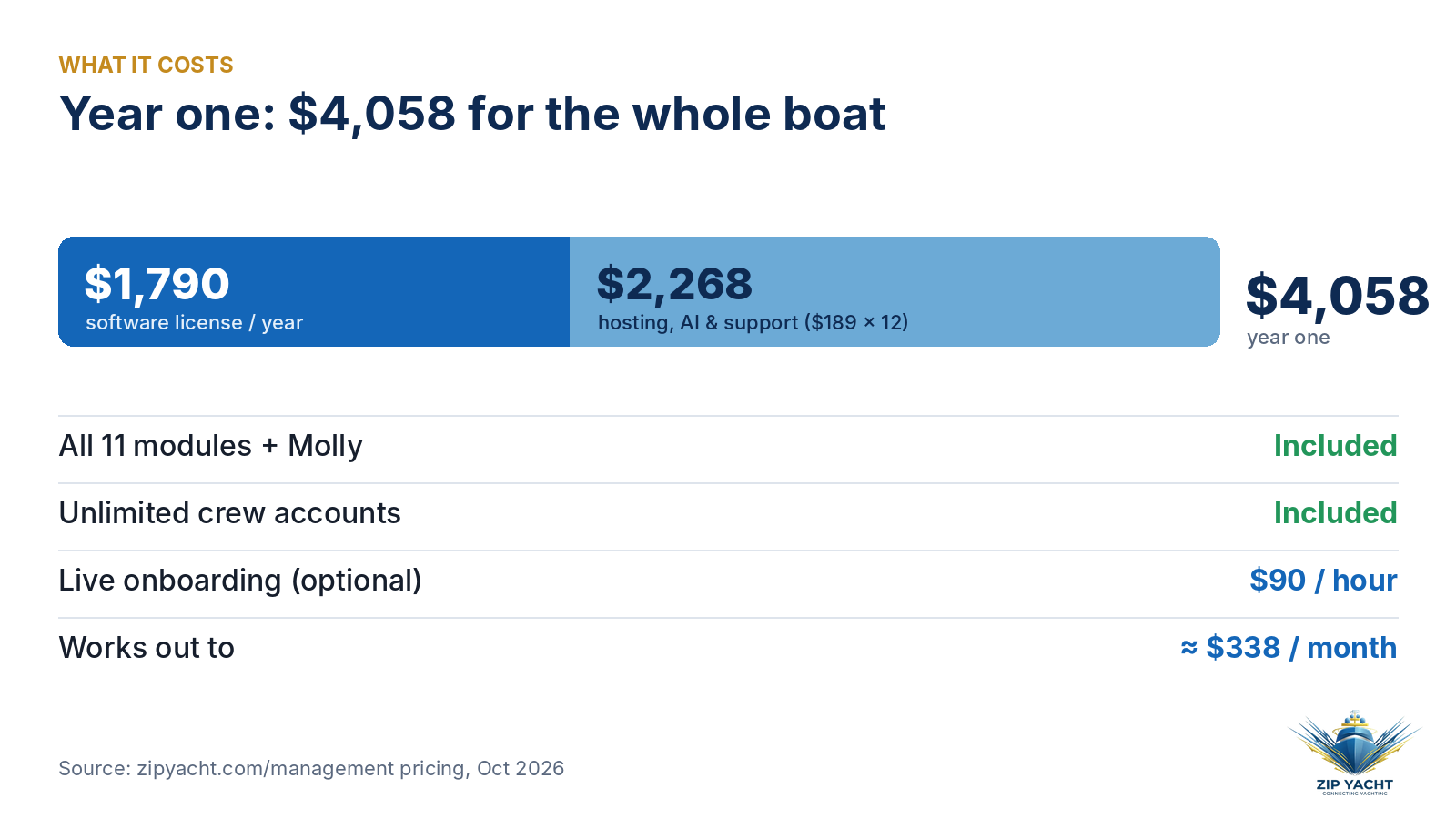
ZipYacht Management is $1,790 a year for the software license, with full access to all 11 modules and the AI, plus $189 a month for hosting, AI usage, updates and support. That’s $4,058 for the first year, or roughly $338 a month for the whole boat. Live onboarding is optional at $90 an hour.
Start this week
- Pick one space and snap the tag on every machine in it.
- Ask Molly what’s due and assign each job to a department.
- Load your next yard quote into Estimates and compare it line by line.
That’s the habit. The software does the paperwork.

Book a 10-minute look: meet Molly or see ZipYacht Management.
What’s the one piece of boat paperwork you’d ditch first?

ZipYacht. Connecting Yachting.
Molly and other ZipYacht characters are AI-generated, and the crew and yacht scenes in this post are AI-generated illustrations. The video includes AI-generated scenes alongside real ZipYacht Management screens; demo data is shown in some screens. Features and pricing from zipyacht.com/management, October 2026.